
One tap to clock in, checked three ways.
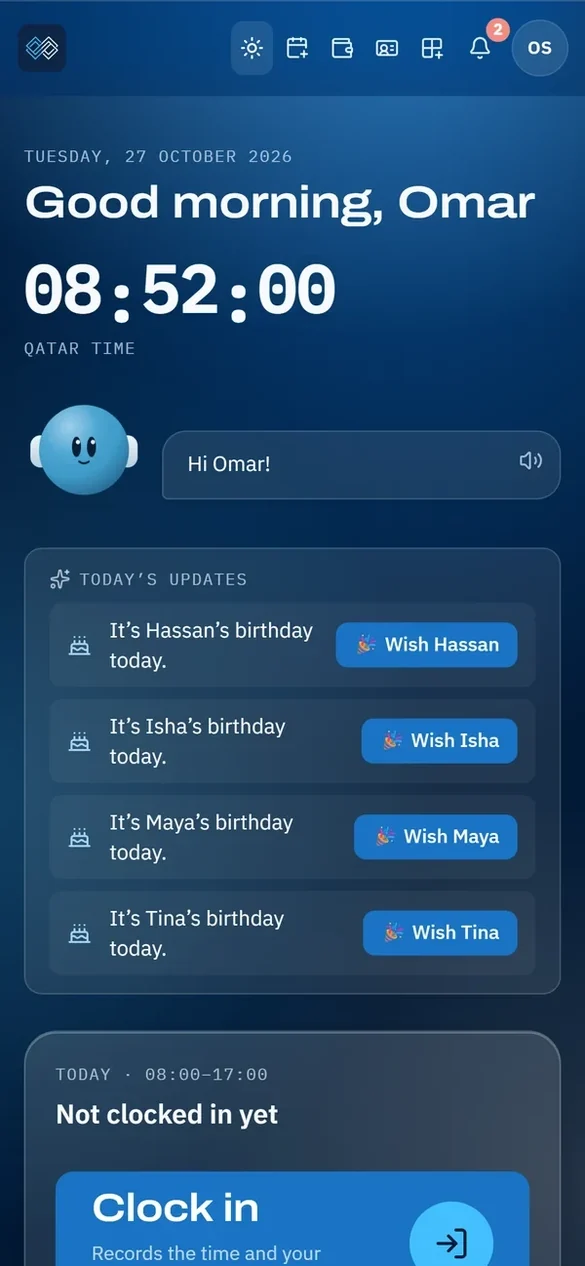
Staff clock in from any phone or computer. AlftekOne checks the office network, the work site and your rules in the same second, and asks for a reason when something is off.
Clock in, every minute
One tap, three quiet checks.
The button is the same for everyone. What AlftekOne checks behind it is up to you, person by person.
- Office network: flag or block, and ask for a reason
- Work site by location, read only at the tap
- Your start time, grace minutes and working days
Your rules, explained
Every rule explains itself.
Ask “Why?” on any day, balance or deduction and get the steps, tied to the handbook clause they come from.
- Rules read from your live settings
- Each answer cites the handbook section
- See who a rule change affects before you apply it
What’s included
Everything in the first minute of the day.
Clock in and out
One tap from any phone or computer.
Office network check
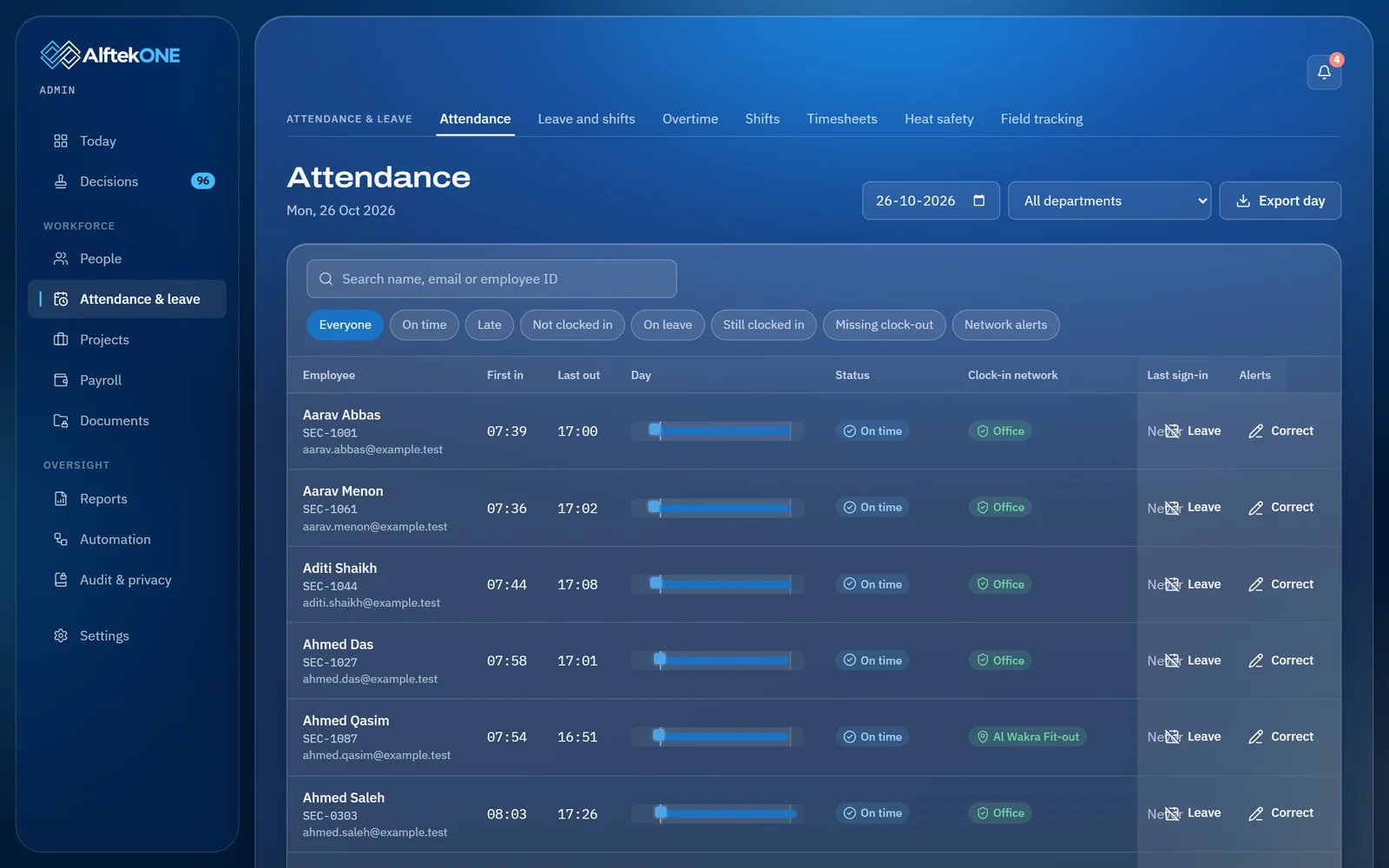
Clock ins from outside the office are flagged or blocked, and people give a reason.
Site clock inOn request
Crews clock in at the work site; the location is read only at the tap.
Working hours
By person, department or company, with grace minutes and lateness rules.
Missed clock outs
Open sessions and missed clock outs are flagged on their own.
Corrections with reasons
Every fix needs a reason and stays in the audit log.
Holidays and calendars
Public holidays, working days and a calendar for each person.
Reports and exports
A live dashboard, monthly reports, Excel and CSV.
Alerts by email
Late arrivals, no shows and a daily summary for managers.
Real screens, sample data

Site crews clock in where they work.
For contractors and facilities teams: each person clocks in at their site, and hours add up per site for billing.
Photo: Unsplash.
Before you clock out, book a demo.
Tell us how your company works, and we will show you AlftekOne running on your own rules.
- Send the form. We reply within one working day with demo times.
- We set up your own leave and attendance rules in AlftekOne.
- You see the result, from the morning clock in to the month end payslip.
Prefer to talk?
- India+91 95387 95895CallWhatsApp
- Qatar+974 7197 1945CallWhatsApp
- Emailinfo@alftek.com
Clocked in. Thank you!
Thank you. We will reply within one working day with demo times.